FeliceBet App Download Guide
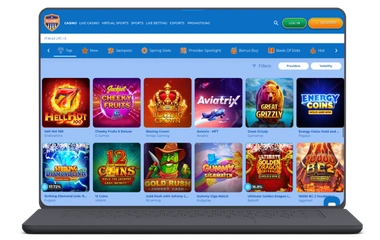
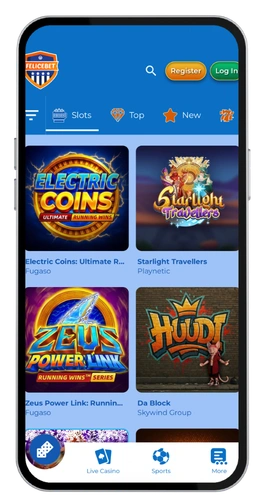
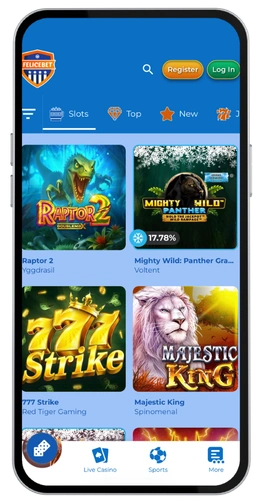
The FeliceBet download takes less time than making a coffee. We are a fully optimized mobile application that you can use in your browser and pin to your screen like any other native application on your device.
How to Install the App on Android
The installation of FeliceBet Android is really easy. The entire procedure is quick and requires approximately 90 seconds.
- Open your mobile browser (Chrome is the most appropriate) and go to the official website of FeliceBet Casino.
- Download the APK shortcut or tap the three-dot menu and select “Add to Home Screen”
- Allow your browser to allow you to enable the security settings to install unknown sources.
- Confirm and find the FeliceBet icon on your home screen
- Tap it, log in, and you’re playing
The mobile casino site runs at around 30 MB in cached data on its latest version. It is compatible with Android 6.0 and higher, and can be installed in less than two minutes. Canadian players using CAD will have their currency displayed automatically on login. The navigation is uncluttered and it functions well even in older phones. Should you have any problems, our support team is on 24/7.